BEHIND THE BROADCAST • WEIRD SHITE
The sound that makes you look over your shoulder
Before the strange figure enters the frame, the audience often hears it: a faint scrape, an echo that lasts a little too long, or a familiar sound at an unfamiliar distance. Horror doesn’t need a huge effects budget to create tension. It needs a storyteller who knows when sound should guide attention—and when silence should take over.
For a Weird Shite story, the goal is atmosphere, not deception. You can build a creepy experience while making it clear whether the material is a documented account, an adaptation of folklore, or original fiction. In fact, labeling the story accurately gives the production more credibility.
1. Record the narration before you build the scares
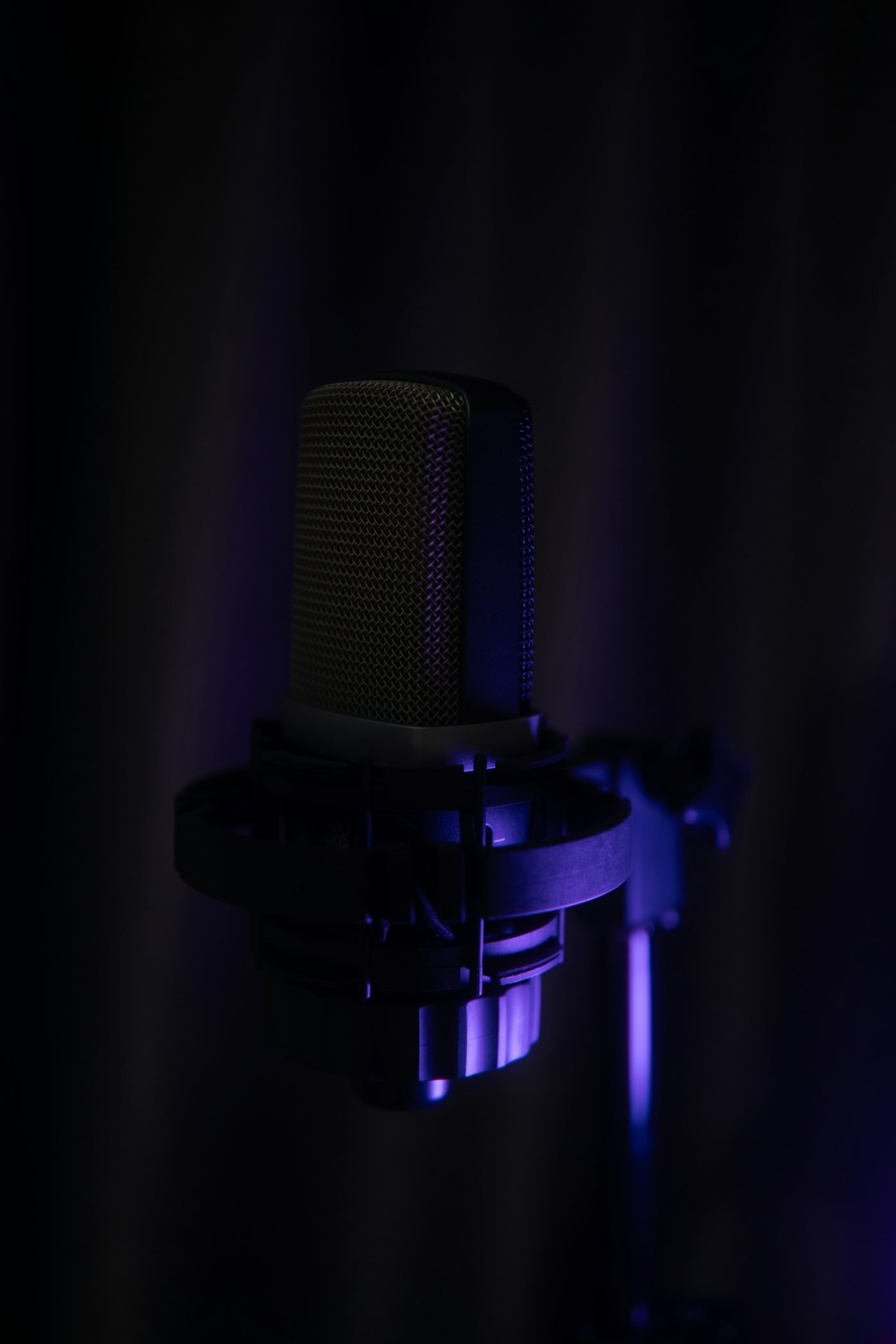
A good horror short starts with an understandable voice. Pick a quiet room, switch off fans or machines you can safely turn off, and record a short test. Speak at an even distance from the microphone. If possible, use a pop filter and headphones. You don’t need an announcer’s theatrical voice; restrained delivery often makes a story more unnerving.
Write the script for the ear, not just for reading. Short sentences are easier to follow. Name the place or object clearly, then introduce one unsettling detail at a time. Give the audience a moment to picture it before adding another. If you stumble on a line, rerecord that phrase instead of hoping a dramatic soundtrack will cover it.
2. Begin with one ordinary sound
A clock ticking, rain against a window, footsteps on gravel, or a key turning in a lock can establish a scene immediately. Start with a sound the viewer recognizes. Once the scene feels grounded, change something: let the clock stop, slow the footsteps, or introduce a second sound from the wrong direction.
The effect comes from contrast. If every second contains a loud impact or ominous drone, the audience has no calm baseline. Save the exaggerated sounds for moments that matter. Let the natural details carry the opening.
3. Give silence a job
Silence is not the absence of storytelling. After a question—’Who was standing in the doorway?’—a short pause lets the viewer supply possibilities. In a short video, even a beat or two can make the next line land differently.
Avoid leaving so much silence that viewers assume the playback has stopped. Use it intentionally, surrounded by narration or subtle room tone. Quiet breathing, barely audible wind, or the soft mechanical hum of an old room can preserve a sense of place without competing with the words.
4. Layer atmosphere instead of piling on effects
Think of a soundtrack in layers. The bottom layer is the room or environment: wind, rain or a distant low hum. The middle layer carries story details, such as a door creak or a rustling page. The top layer is narration, which must remain intelligible. Build each layer at a modest level, and check how they interact.
If you use a deep rumble, don’t automatically push it louder. Low frequencies can swallow speech or disappear on a phone speaker. Try listening through ordinary earbuds and the phone’s own speaker. If the voice is hard to understand on either, reduce the background rather than boosting everything.
5. Use the character, not just the costume
The Keeper can have four visual identities and still feel like one recognizable host. Give the character a consistent opening, a recognizable manner of speaking, and a repeatable sign-off. The haunted ringmaster might be playful; the plague-mask persona might be more solemn; the cryptid hunter might sound practical and skeptical. The character’s curiosity ties them together.
Make the disguise practical for recording. A full-face mask can muffle consonants and create breath noise. Record the narration without the mask and film close-ups separately, or use a half-mask and test microphone placement. A creepy costume is only successful if viewers can understand the story.
6. Build a short episode from five beats
Try a simple structure for a sixty-second video. The opening five seconds introduce an unusual question. The next ten establish a real source, time or setting. The middle portion presents two or three details with visual or sound support. Near the end, clarify which parts of the account are disputed or uncertain. Finish by asking a genuinely interesting question or offering one memorable takeaway.
This is a framework, not a rule. Some stories deserve a longer treatment and others can be told in thirty seconds. The important thing is not to pad a thin claim with invented facts. If you are dramatizing the story, clearly label the dramatization.
7. Show viewers where the story came from
At the end of a video, include a brief source credit or direct viewers to the accompanying article. For original fiction, say that it is fiction. For a historical event, use dates and reference the records you found. For a piece of folklore, distinguish the legend from what can be verified about its origin.
Attribution also matters for sound. Use audio you recorded or music and effects you have permission to use. When a file is described as royalty-free, verify the actual license conditions. Royalty-free does not always mean unrestricted, and a creator may still require credit. Maintain a simple credits list so you can reuse assets responsibly.
8. Edit for the phone screen
Most short-form video is viewed on a phone. Keep crucial captions large, legible, and clear of app interface areas. Don’t place important details at the extreme edges. Crop vertically with the subject easy to recognize. Choose close, well-lit shots of the host’s face or hands rather than long, dark scenes in which nothing can be made out.
Contrast is part of accessibility and part of good horror. A mostly dark screen can still have crisp text and a clear focal point. Put any important dialogue into captions. Watch the finished video on a small screen before publishing.
9. Create a recognizable audio signature
Many channels use a logo, a phrase or a color palette. Sound can be just as identifying. An original three-note sting, a brief tape-reel effect, or a distinctive click at the start of every episode can become part of The Keeper’s identity.
Keep the signature short enough that repeat viewers won’t skip it. Use the same restrained treatment in longer videos, Shorts, and social excerpts. Over time, a familiar opening paired with a consistent visual character gives the audience a reason to recognize the work before the title appears.
10. Finish by measuring what works
Rather than guessing what feels scariest, look at where viewers leave the video, which openings hold attention, and what comments ask for more. If people regularly stop watching when the narration slows, tighten that section. If a particular costume or story category inspires thoughtful responses, develop more of it.
Views alone do not tell the whole story. A piece that earns a smaller but engaged audience can be useful for building a recognizable series. Track returning viewers, watch duration, and which articles viewers visit from a video. Use those signals to refine the next episode rather than copying a format that doesn’t fit the brand.
A story worth staying up for
Horror works best when the creator respects the viewer. Give them a reason to lean closer, enough information to understand the story, and an atmosphere that stays with them after the video ends. Sound and costume can amplify a real tale, but they should never substitute for honesty about what is known.
For Weird Shite, The Keeper can become the link between well-researched articles and atmospheric short films. Start with a clear voice, a deliberate soundscape, and a story you can support. Then let the darkness do a little of the work.
Explore the project: Meet The Keeper, visit the Weird Shite video page or suggest a strange story.